
Open beta · AI livery generator for sim racers
Custom liveries in minutes. No Photoshop.
Describe what you want. AI paints it onto your car's real template, so it fits in-game — no design skills, no waiting.
Works with iRacing · Assetto Corsa · rFactor 2 · Le Mans Ultimate · Automobilista 2 · Project Motor Racing · Euro Truck Simulator 2 · American Truck Simulator · MX Bikes · GP Bikes · Kart Racing Pro · Live for Speed · BeamNG.drive · ER:LC (Roblox)
1 free render when you confirm your email. No card needed.


 Painted here by early users
liveries painted so far · join the early painters

01 · Design by conversation
You describe it. Ailivery designs it.
No forms, no fighting a tool. Tell it what you want in plain language — it asks the right questions, then gets to work.
 ailivery · chat
LISTENING
ailivery · chat
LISTENING
Make me a livery for my GR86 — a tribute to Nikola Tesla.
Love it. Give me a vibe — colours, mood, anything you're picturing?
Deep navy and violet. Cyan circuit traces running over the panels.
Nice. Want his portrait on the car, or keep it typographic?
Portrait on the doors, his name along the sides. Belgrade map on the bonnet.
Got it — painting navy circuitry, his portrait on the doors and a Belgrade street map on the bonnet, onto your real template now
02 · Painted on the real template
Not a render. A race-ready paint.
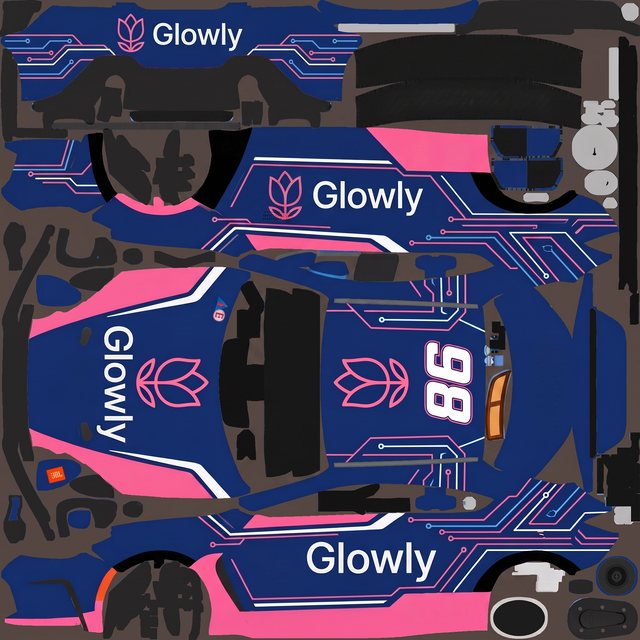
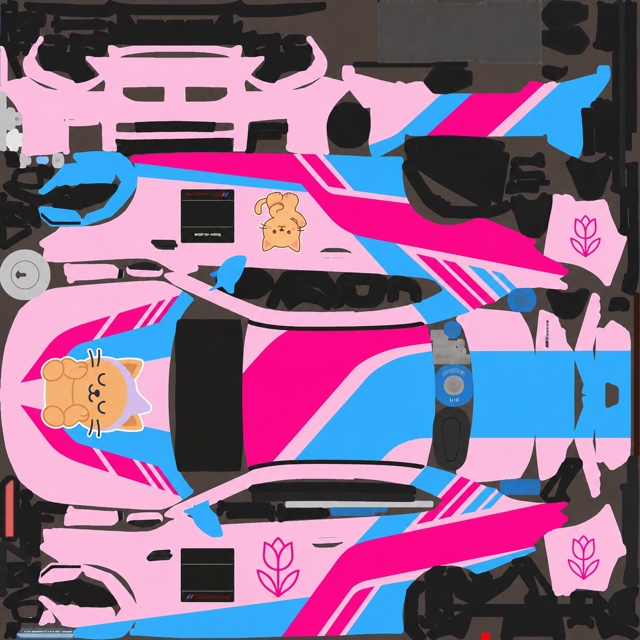
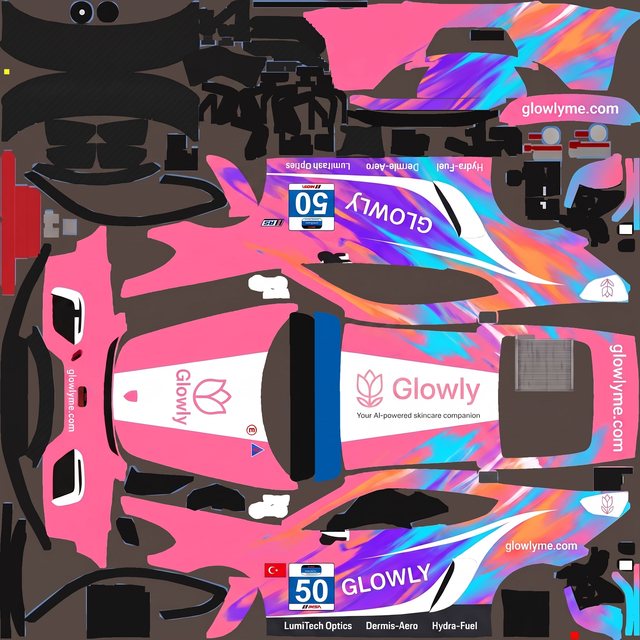
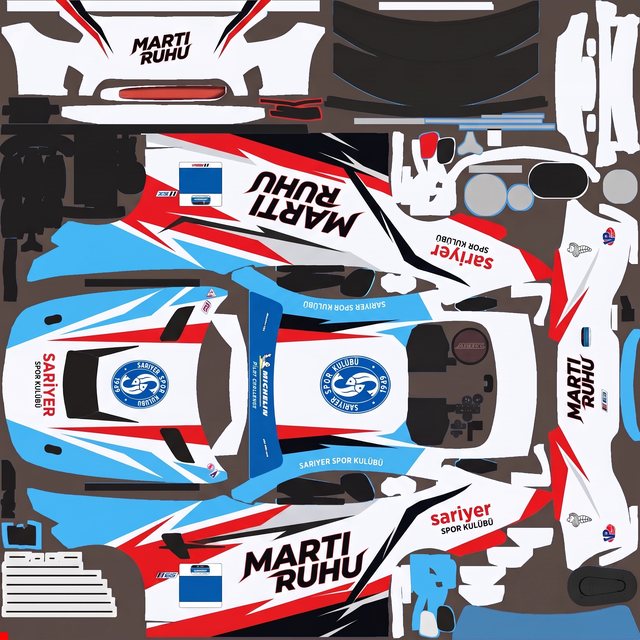
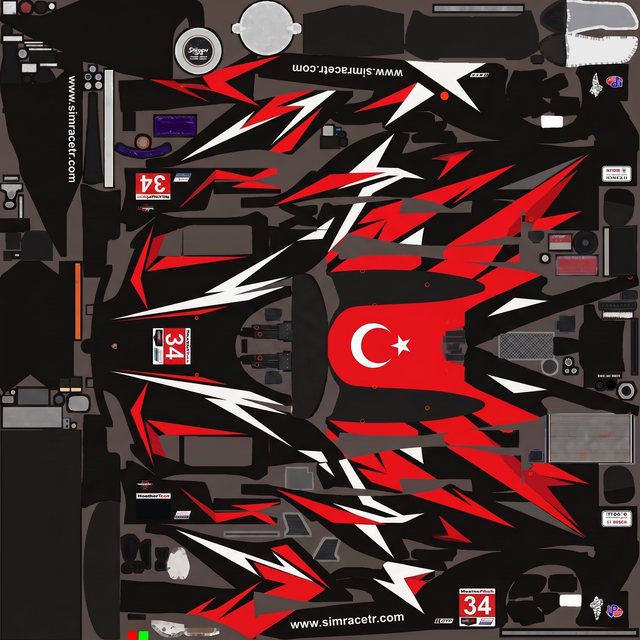
Making a design actually fit the vehicle is the hard part. That's the part we handle — painted onto your real template, mapped to the right zones, ready to export and drive. Keep scrolling: seven templates, seven finished paints.
By hand that's an evening in Photoshop wrestling a UV map. Here it's a sentence — then a few more to dial it in.
gr86 · template
BLANK


03 · Made with Ailivery
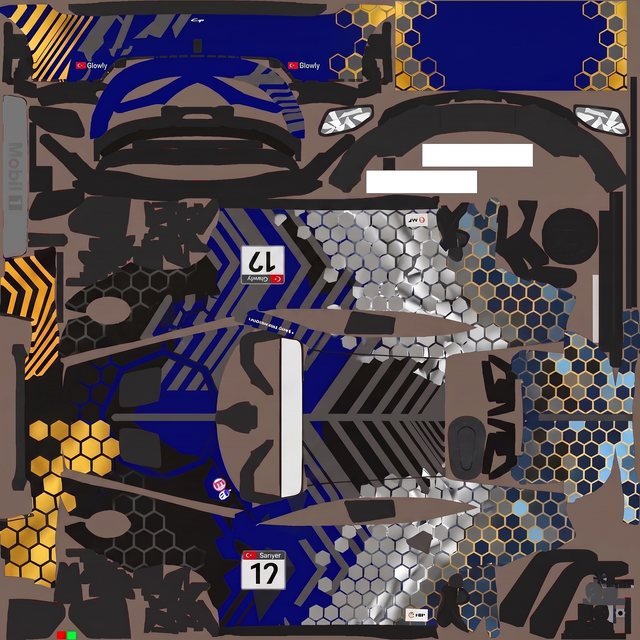
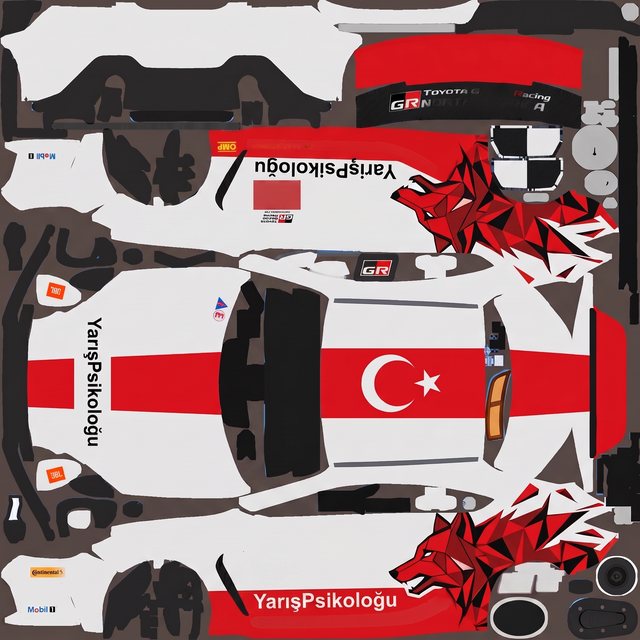
A wall of liveries. Every one made here.
Real designs painted by early users — drifting past at different depths as you scroll.
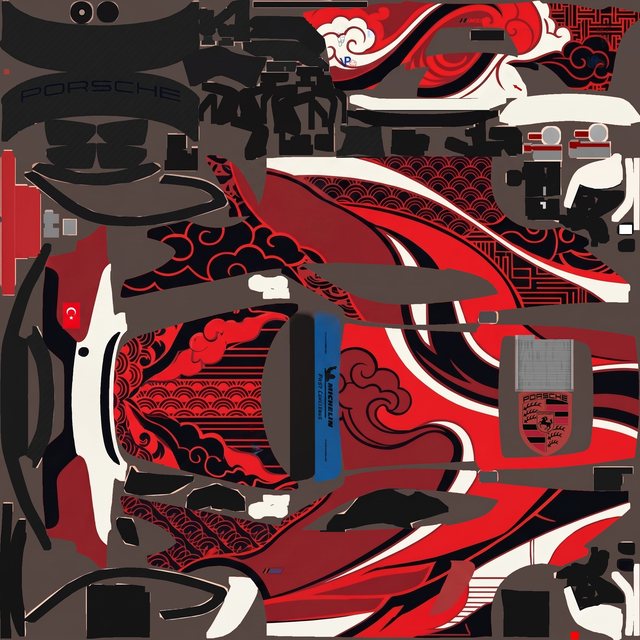
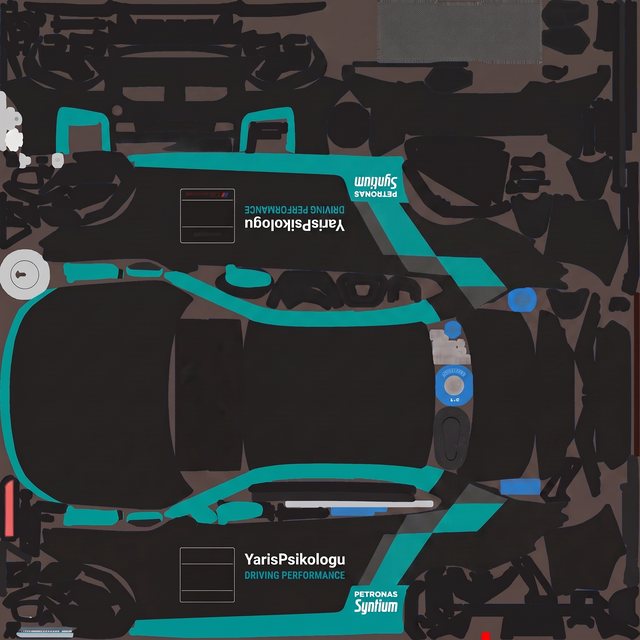
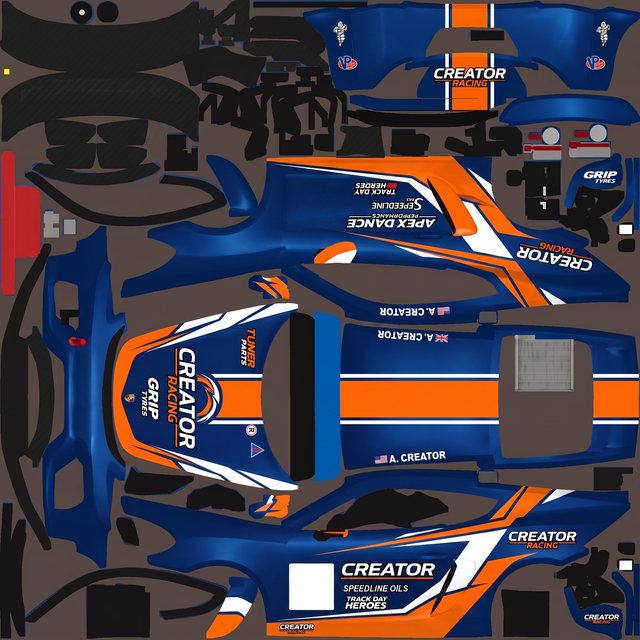
Word for word
What painters told us
“I'm excited to see something like this finally!”
“But what a great tool you’ve created”
“i absolutely love the work youve done to build this”
“Im loving this app, it helps our team a lot.”
Shown exactly as written in our support chat, with each writer's permission.
Your car's next.
Every week you don't paint it, you line up in the same default skin as everyone else.
Paint your first livery1 free render when you confirm your email. No card needed.
Open beta
What Ailivery can't do well yet
These are the rough edges we know about, in plain words, with the way around each one today. We work on this list every week, and it gets shorter.
A stripe can land crooked where two body pieces meet
Your car is painted as separate pieces on a flat sheet, and the game wraps those pieces onto the body. When two pieces sit far apart on the sheet, a stripe crossing both can meet slightly off once it is on the car. Before it letters the car, Ailivery asks you how you want to use the paint. Choose Make it safe and every graphic stays inside a single piece, so nothing has to line up across a join and the file fits straight from the download. Choose I know Photoshop for bolder artwork that runs anywhere, and straighten the few edges yourself in any image editor.
A panel sometimes comes out flipped
Now and then a part of the body is painted the wrong way round — upside down, or facing the wrong end of the car. It is usually a one-line fix: tell the chat which part looks wrong ("the roof number is upside down") and the next pass corrects it. That costs one refinement, not a restart.
Refinements land best one change at a time
A refinement is most accurate when you ask for a single change. Bundle several changes into one message and it often applies only some of them. Ask for one thing, look at the result, then ask for the next. It takes about the same number of passes and lands far more of what you wanted.
Hit something that isn't on this list? Tell us in the in-app support chat or on Discord — it goes straight to the team.
Questions painters ask
What is Ailivery?
Ailivery is an AI livery generator and custom livery maker for sim racing: it designs a paint scheme on your car's own template and exports a race-ready file for your sim. Describe a brand, a colour direction, or a vibe, then refine the result until it's right. Works with iRacing, Assetto Corsa, rFactor 2, Le Mans Ultimate, Automobilista 2, Project Motor Racing, Live for Speed, and BeamNG.drive, plus the truck sims Euro Truck Simulator 2 and American Truck Simulator, the bike sims MX Bikes and GP Bikes, Kart Racing Pro, and the Roblox game ER:LC. Free to start.
How does it work?
You pick a car and describe the design you want — or paste a brand's website and Ailivery pulls its colors and logos. It generates a livery, then you refine it: adjust the design, draw edits directly on the paint, place logos, and rewind versions. When you're happy, export a race-ready file.
Will it come out exactly how I pictured it?
Close on the first render, closer after that. Ailivery recreates your design on the template rather than promising a pixel-perfect copy — so the first paint gets you most of the way, and then you refine. Adjust it in chat, or draw straight onto the paint to change one area while everything outside your mark stays exactly as it is. Most finished liveries take a few passes.
Can I bring a design I made in another tool?
Yes. Concept your livery anywhere — ChatGPT, Midjourney, or your own render — then upload it and Ailivery recreates it on your car's template, mapped to the right zones and exported race-ready. Making a design actually fit the car is the part we handle.
Which sims does Ailivery work with?
Ailivery works with any sim that uses a paintable vehicle template — including iRacing, Assetto Corsa, rFactor 2, Le Mans Ultimate, Automobilista 2, Project Motor Racing, Live for Speed, and BeamNG.drive — plus the truck sims Euro Truck Simulator 2 and American Truck Simulator, the bike sims MX Bikes and GP Bikes, Kart Racing Pro, and the Roblox game ER:LC. Upload your car, truck, or bike template (PSD, PNG, or ZIP), design your livery, then export the right file for your sim — a TGA, DDS or JPG skin, a mod ZIP, a ZIP of PNG parts, or the raw PNG.
Which cars can I paint?
Any car you have a paint template for. Common starting points: NASCAR stock cars, GT3 cars, Formula and open-wheel cars, or any other race car. Upload that car's template and the design is painted onto its own panels, so a stock car's number panels and a Formula car's nose and wings are treated as the shapes they actually are.
Can I make a custom iRacing livery?
Yes — custom iRacing liveries are exactly what Ailivery is for. Upload the car's paint template, describe the design (or bring a concept you made elsewhere), and export a race-ready TGA paint. The optional Windows helper drops it straight into your iRacing paint folder for a quick in-sim preview, and the iRacing livery guide walks through every step.
How much does it cost?
Your first render is free when you confirm your email. No card needed. To paint more, see pricing.
Ailivery is in open beta — what does that mean?
It means the tool is open to everyone and still being improved every week. Most liveries come out ready to race, and a few rough edges are still there — graphics that cross panel joins, the odd flipped panel, and refinements that only land part of a long request. We keep a plain list of what Ailivery can't do well yet, with the workaround for each one, so you know before you buy.